IMTS News
No Result
View All Result
Friday, July 17, 2026
  • Login
  • News
  • University News
  • Course after 12th
  • WILP
  • Press Release
  • AI
  • Students
  • counsellors
  • MIT
IMTS News
  • News
  • University News
  • Course after 12th
  • WILP
  • Press Release
  • AI
  • Students
  • counsellors
  • MIT
No Result
View All Result
IMTS News
No Result
View All Result

Ctrl+A: Essential Computer Shortcuts Every Student Should Know

Vikash Pandit by Vikash Pandit
9 months ago
in Education
Reading Time: 2 mins read
A A
0
152
SHARES
1.9k
VIEWS
Share on FacebookShare on Twitter
Ctrl+A: Essential Computer Shortcuts Every Student Should KnowNewsIMTS

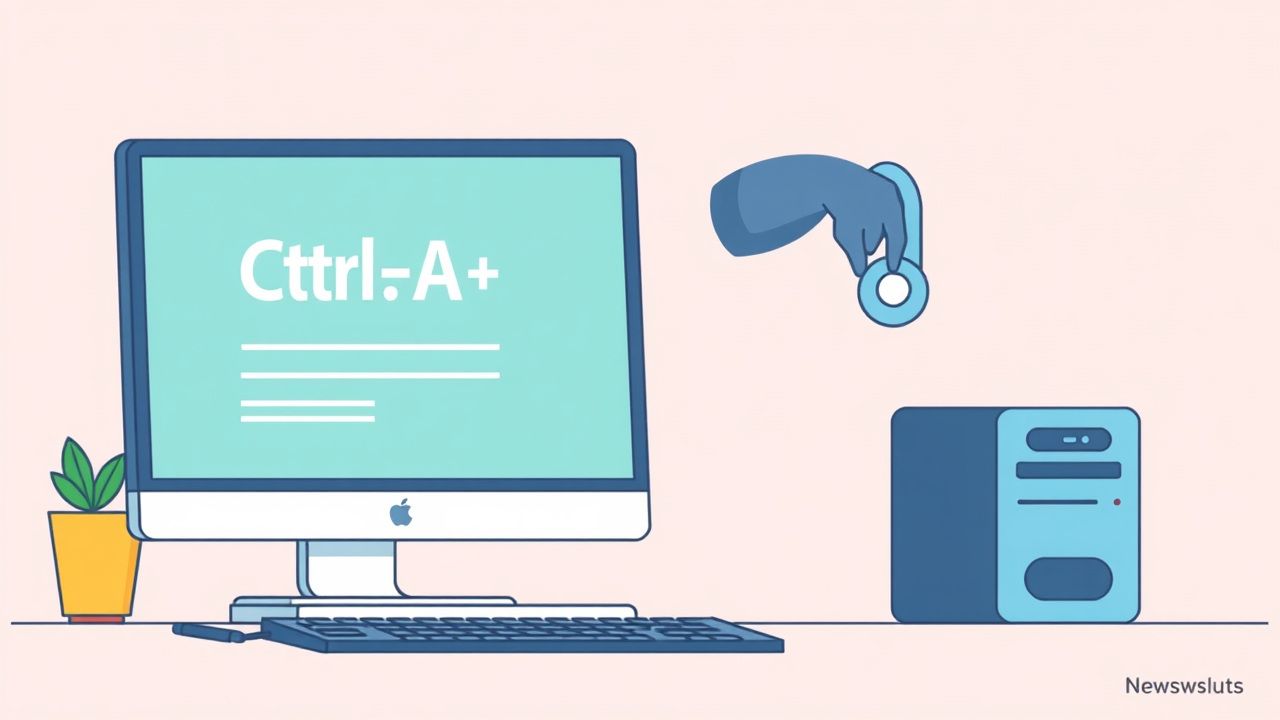
Ctrl+A, the shortcut to select all text, is one of many time-saving keyboard combinations that can boost productivity for computer users. These shortcuts help students complete tasks faster without using a mouse. Common Windows shortcuts include Ctrl+S to save documents, Ctrl+P to print, Alt+F4 to close programs, and Ctrl+Tab to switch between applications. Other useful shortcuts help users find text, navigate documents, and manage multiple tasks efficiently. Regular practice of these keyboard combinations reduces strain and improves workflow speed, making them valuable tools for students working on school projects or assignments. Learning even a few basic shortcuts can significantly improve computer efficiency and make multitasking easier for students. (Updated 31 Oct 2025, 07:47 IST; source: link)

Basic keyboard shortcuts that save time

Keyboard shortcuts help students work faster on computers without using a mouse. The most essential shortcuts include Ctrl+A to select all text in a document or webpage, Ctrl+C to copy selected content, and Ctrl+V to paste it elsewhere. Ctrl+S saves your work, which is crucial to prevent losing progress on assignments. Ctrl+Z undoes mistakes, while Ctrl+P opens the print dialog. These combinations work across most applications, making them universal tools for everyday computer use. Learning these basic shortcuts can reduce the time spent on simple tasks, allowing students to focus more on their actual work rather than navigating through menus. Regular practice helps build muscle memory, eventually making these actions automatic and seamless.
Sponsored postMIT University SIKKIM

Advanced shortcuts for better productivity

Beyond basics, students can benefit from learning more powerful shortcuts. Ctrl+F helps find specific words in documents or webpages, essential for research. Alt+Tab allows quick switching between open applications, perfect for multitasking between research and writing. Ctrl+Home and Ctrl+End move to the beginning or end of documents instantly, saving scrolling time in long assignments. Windows+D shows the desktop immediately when screens get cluttered. For text editing, Ctrl+Arrow keys help navigate between words, while adding Shift selects text as you move. These advanced shortcuts might take more practice to master, but they significantly improve workflow efficiency, especially during exam preparation or when working on complex school projects.

Key Points

  • Ctrl+A, the shortcut to select all text, is one of many time-saving keyboard combinations that can boost productivity for computer users.
  • These shortcuts help students complete tasks faster without using a mouse.
  • Common Windows shortcuts include Ctrl+S to save documents, Ctrl+P to print, Alt+F4 to close programs, and Ctrl+Tab to switch between applications.
Sponsored postMIT University SIKKIM
Previous Post

Top 9 Google Frightgeist Halloween Costumes 2025

Next Post

Halloween Brain Teaser: Find The Odd One Out

Vikash Pandit

Vikash Pandit

Vikash Pandit is a seasoned Content Editor at news.imtsinstitute.com, where he specializes in covering the dynamic intersection of education and employment. Armed with a solid educational background, Vikash holds a Bachelor's degree in English Literature from Delhi University, demonstrating his passion for language and communication. Complementing this, he has earned a Masters degree in Journalism from IGNOU, Delhi, enhancing his skills in news reporting and media management. With a keen eye for detail and a knack for storytelling, Vikash brings a unique perspective to the news, ensuring that his audience is well-informed and engaged. His commitment to delivering accurate, insightful, and compelling content sets him apart in the competitive field of journalism. Beyond his academic achievements, Vikash's dedication to staying abreast of the latest trends in education and employment makes him a valuable asset to the editorial team. Follow Vikash Pandit's work for in-depth insights and analysis on the ever-evolving landscape of education and employment.

RelatedPosts

NEET UG 2026 Fee Refund Portal Closing Today, NTA Sets 11:50 PM Deadline
Education

NEET UG 2026 Fee Refund Portal Closing Today, NTA Sets 11:50 PM Deadline

July 7, 2026
CBSE Opens Online Submission Window For Class 12 Supplementary And Compartment Candidates
Education News

CBSE Opens Online Submission Window For Class 12 Supplementary And Compartment Candidates

July 7, 2026
Delhi University CSAS UG 2026 Phase 2 Registration Closes July 11, First Seat List On July 16
Education

Delhi University CSAS UG 2026 Phase 2 Registration Closes July 11, First Seat List On July 16

July 7, 2026
AP ICET Counselling 2026
Education

AP ICET Counselling 2026 Set to Begin: Get Ready with Registration Link and Fee Details

June 27, 2026
AIEEA PG and AICE JRF/SRF 2026
Education

ICAR AIEEA PG and AICE JRF/SRF 2026 Exam City Slip Released; PwD Scribe Portal Now Functional

June 26, 2026
AICTE QIP PG Certificate Programme 2026
Education

AICTE Opens Gateway for Faculty Upskilling: 41 QIP PG Certificate Programmes in Computational and Management Areas Launched — Apply by July 5v

June 26, 2026
Load More
Next Post

Halloween Brain Teaser: Find The Odd One Out

CBSE Class 10 Board Exam 2026 Schedule Released

Leave a Reply Cancel reply

Your email address will not be published. Required fields are marked *

DISTANCE EDUCATION IN INDIA

  • BA Distance Education
  • BBA Distance Education
  • BCA Distance Education
  • Bcom Distance Education
  • Bed Distance Education
  • Blis Distance Education
  • Bsc Distance Education
  • Bsw Distance Education
  • MA Distance Education
  • MBA Distance Education
  • MCA Distance Education
  • Mcom Distance Education

Regular Courses
WILP Courses
imts Alumni
Counsellors
Media

Courses

BA Course

BCOM Course

BSC Course

BBA Course

BBM Course

BCA Course

MBA Course

MCA Course

MCom Course

MSC Course

BTech Course

BEd Course

Distance Courses

BA Distance Education

BSC Distance Education

BCOM Distance Education

BBA Distance Education

MA Distance Education

MSC Distance Education

MCOM Distance Education

MBA Distance Education

MBA IT Distance education

MBA HR Distance Education

MBA Hospital Management
Distance education

Courses

  • MBA Distance Education
    Mba Advertising And Sales Promotion
    Mba Airline & Airport Management
    Mba Banking And Finance Management
    Mba Banking Management
    Mba Disaster Management
    Mba Entrepreneurship
    Mba Export Management
    MBA Hospital Management
    Mba Finance Management
    Mba Financial Services
    Mba Hospital Management
    Mba Hotel And Tourism Management
    Mba HR Management
    Mba International Business

Our comment policy

Terms and Conditions

No Result
View All Result
  • News
  • University News
  • Course after 12th
  • WILP
  • Press Release
  • AI
  • Students
  • counsellors
  • MIT

Welcome Back!

Login to your account below

Forgotten Password?

Retrieve your password

Please enter your username or email address to reset your password.

Log In