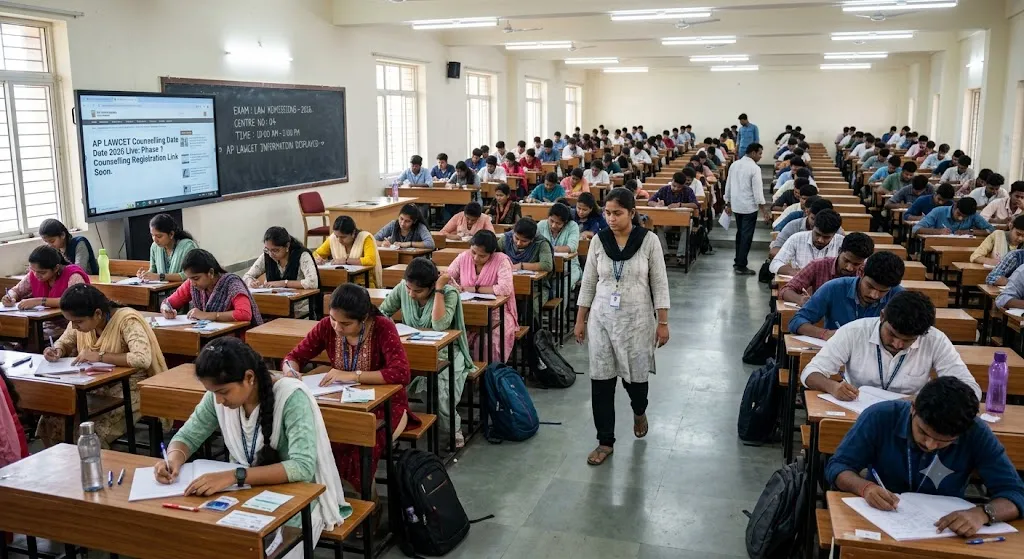
KMAT 2026 Exam: The Karnataka Private Post Graduate Colleges Association will conduct KMAT 2026 as a home-based, online, remote-proctored test on Sunday, September 20, 2026. The MCA session runs from 10 am to 12 pm, while the MBA session is held from 2 pm to 4 pm. Since the exam is taken from home, candidates do not need to travel to a test centre, but they must ensure their system, internet connection, and surroundings meet the proctoring requirements well before the reporting window opens.
Preparation Checklist: What To Keep Ready
Candidates should prepare the following in advance to avoid last-minute issues:

- A laptop or desktop with a working webcam, microphone, and speakers
- A stable internet connection with adequate bandwidth for continuous video proctoring
- The KMAT admit card downloaded and saved on the device, along with a printed copy
- A valid original photo ID proof, such as Aadhaar, PAN, passport, voter ID, or driving licence
- A quiet, well-lit room with no other person present during the test
- Login credentials, including application number and password, noted down separately
Dos For The Test Session
- Log in to the test portal at least 30 to 45 minutes before the reporting time to complete the verification process
- Keep the admit card and photo ID visible for the proctor to verify at the start of the session
- Test the webcam, microphone, and internet speed a day in advance using the mock test link
- Sit in a plain background with proper lighting so the proctor can clearly see the candidate throughout the test
- Read all on-screen instructions carefully before the test timer begins
- Keep a backup internet option, such as a mobile hotspot, ready in case the primary connection fails
Don’ts For KMAT 2026 Exam Day
- Do not use mobile phones, smartwatches, or any other electronic device during the test
- Do not have any books, notes, or rough sheets other than what the platform permits on screen
- Do not allow any other person to enter the room or appear on camera during the session
- Do not minimize the test window or switch to another application, as this may be flagged by the proctoring system
- Do not attempt the test using a public or unstable internet connection
- Do not leave the seat or move out of the camera frame without prior permission from the proctor
Sponsored post