As of 28 July 2026, the TN Supplementary Result picture is only partly complete: the Directorate of Government Examinations (DGE) declared results for private and arrear candidates on 22 July 2026, but the supplementary result for regular candidates who failed one or two subjects in the main board exam is still pending.
Both results, once released, will be available at tnresults.nic.in and dge.tn.gov.in, where students log in using their registration number and date of birth to view a provisional marksheet.

What’s Already Out: Private and Arrear Candidates
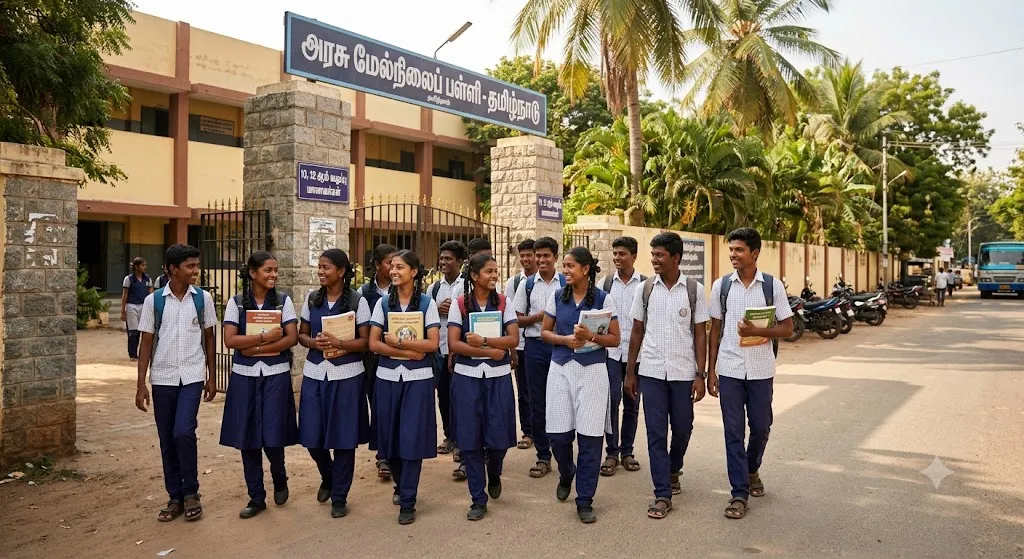
Private and arrear candidates for Class 12 (HSC) and Class 10 (SSLC) can already check their TN Supplementary Result, declared on 22 July. This followed the Class 12 supplementary exam held from 29 June to 7 July 2026, and the Class 10 supplementary exam conducted between 8 and 15 July 2026.
These candidates can log in directly through the dedicated private-candidate portal on the DGE website using the same registration number and date of birth credentials.
What’s Still Awaited: Regular Candidates
The bigger group still waiting is regular candidates — students who attempted the main HSE and SSLC exams in March 2026 but fell short in one or more subjects. TNDGE has not yet confirmed an exact date for this batch’s TN Supplementary Result, and students are advised to keep checking the official portals directly rather than relying on unofficial forwards or screenshots circulating online.
Given how the private candidate batch was processed roughly two weeks after its exam window closed, a similar timeline for regular candidates would put their result in the near term. Schools have also been asked to help students track updates through their respective examination cells, particularly in districts where internet access can be patchy around result days.
How to Download the Marksheet Once It’s Live
- Visit tnresults.nic.in or dge.tn.gov.in
- Click the relevant “TN 10th/12th Supplementary Result 2026” link
- Enter your registration number and date of birth in the login window
- Submit the details to view your provisional marksheet on screen
- Download the PDF and keep a screenshot as backup before printing